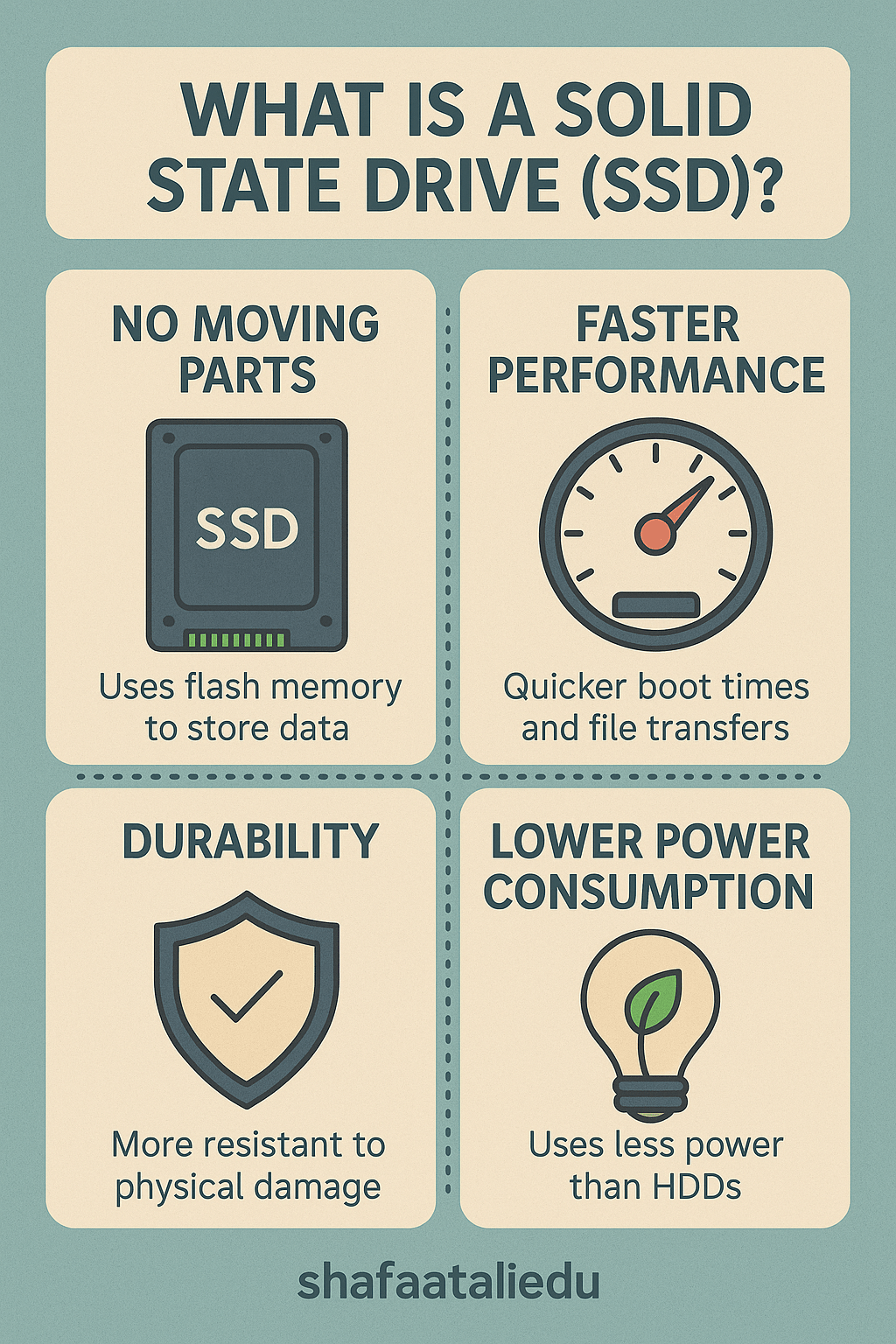
A Solid State Drive (SSD) is a type of storage device used in computers to store data like documents, photos, software, and your operating system. Unlike older hard drives (HDDs) that use spinning disks and moving parts, SSDs have no moving parts—making them faster, quieter, and more durable.
Think of an HDD like a record player, where a needle reads data off a spinning disk. In contrast, an SSD is more like a USB flash drive—it uses flash memory to instantly access data. This difference gives SSDs a huge speed advantage. For example, turning on a computer with an SSD might take just 10 seconds, compared to over a minute with an HDD.
Here’s how an SSD benefits you:
- Faster performance – Your computer boots up, opens programs, and loads files much quicker.
- More reliable – With no moving parts, SSDs are less likely to break if dropped or bumped.
- Quieter and cooler – They make no noise and produce less heat.
- Energy-efficient – SSDs use less power, which helps laptop batteries last longer.
SSDs come in different sizes and shapes. The most common are:
- 2.5-inch SATA SSDs – Fit into most laptops and desktops.
- M.2 and NVMe SSDs – Smaller and faster, often found in modern laptops.
While SSDs are more expensive per gigabyte than HDDs, prices have been dropping, making them a smart upgrade for most users. Many computers now use a combination of SSD for speed and HDD for extra storage.
As technology advances, SSDs are becoming the standard for storage, giving users faster and more reliable computing experiences.

Leave a comment