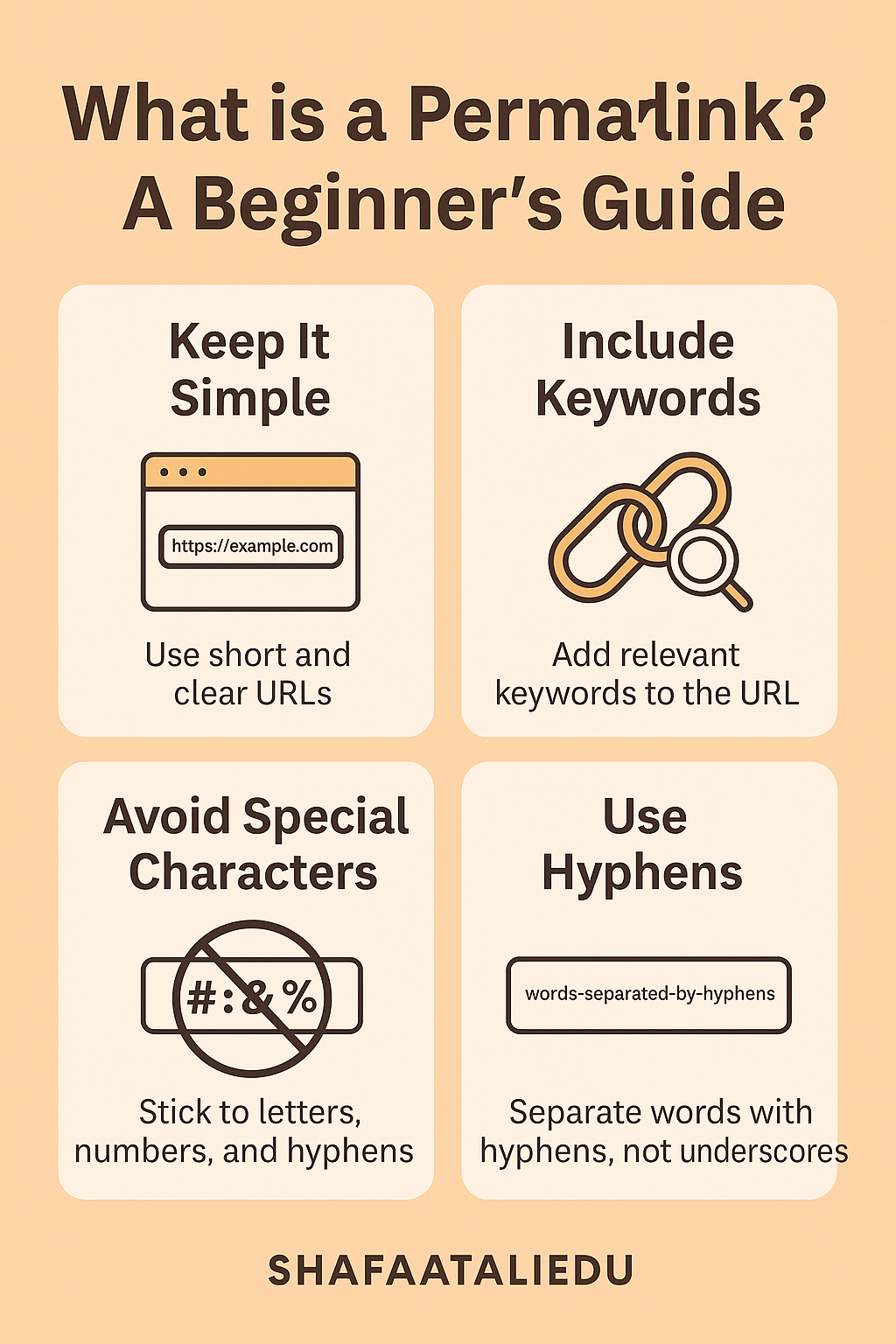
A permalink is just a fancy word for a permanent link to a specific webpage or blog post. It’s the full web address (or URL) that doesn’t change over time. For example, if you read a blog post called “How to Bake a Chocolate Cake”, the permalink might look like:
www.mywebsite.com/how-to-bake-a-chocolate-cake
Think of a permalink like the address of your home. No matter how much you redecorate or move furniture around inside, your home address stays the same so people can always find you. Similarly, a permalink makes it easy for people (and search engines) to locate a specific piece of content—even years later.
Permalinks are super important for sharing. If someone sends you a link to a helpful article, that’s a permalink. Bloggers, social media users, and even teachers rely on permalinks to point people to the exact post they’re talking about.
Now, not all URLs are permalinks. Some include temporary information like search results or session IDs that change each time. Permalinks stay clean and constant. For example:
- ✅ Permalink:
www.site.com/blog/what-is-permalink - ❌ Not a permalink:
www.site.com/blog?id=123&session=abc
When creating permalinks, it’s best to keep them short, readable, and related to the content. Most blogging platforms like WordPress let you customize the permalink before publishing a post.
In short, permalinks make the internet easier to navigate. They keep content findable, sharable, and organized over time.
Looking ahead, understanding permalinks can help you improve your blog, boost your SEO, and build a more user-friendly website.

Leave a comment