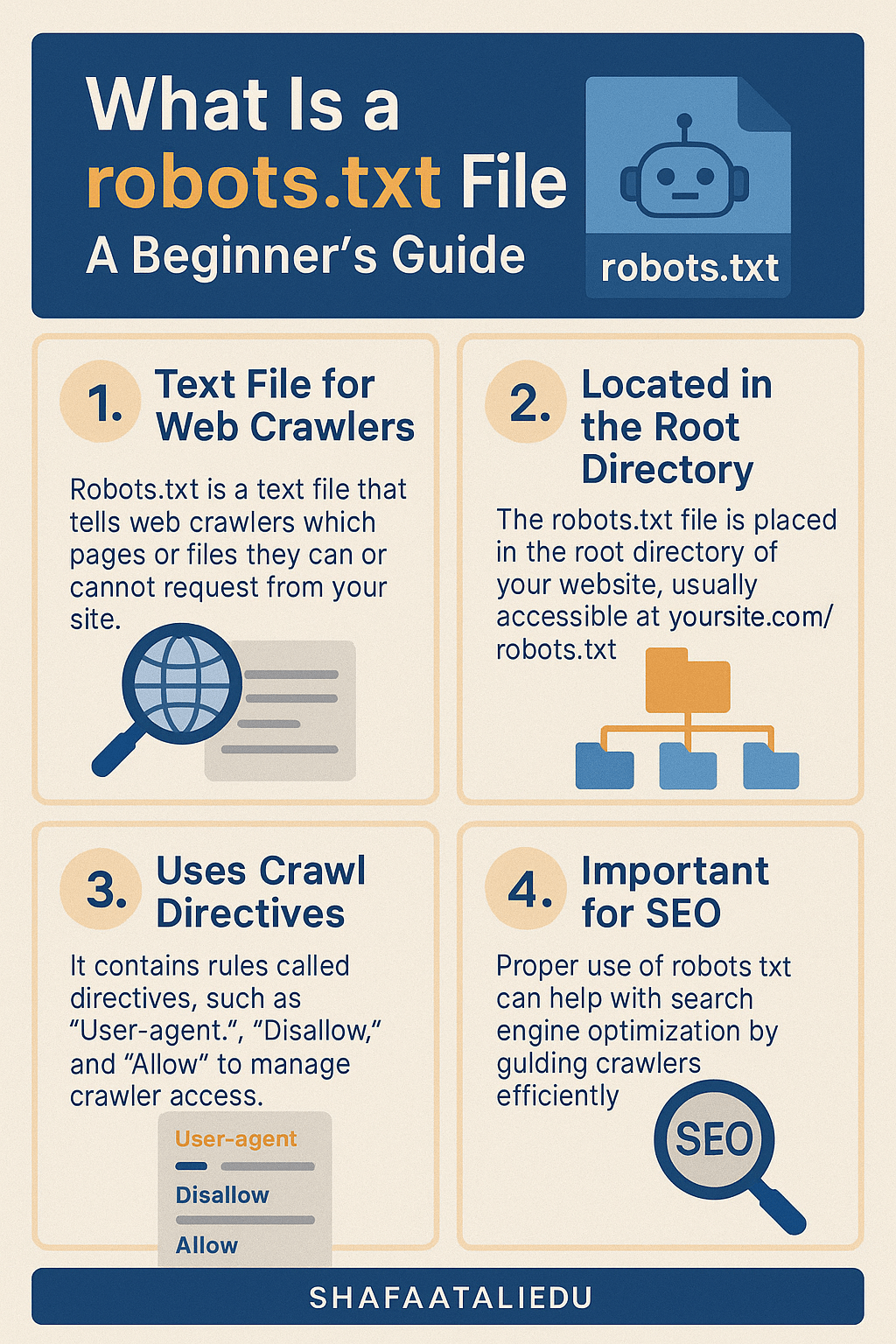
If you’ve ever wondered how search engines decide which parts of your website to crawl and which to skip, the answer often lies in a small but powerful file called robots.txt. This file plays a key role in SEO and site visibility, especially in 2025 where search engine algorithms are smarter and more privacy-conscious than ever.
What Does a robots.txt File Do?
The robots.txt file is a simple text file stored at the root of your website. It tells search engine crawlers (also known as bots or spiders) which pages or files they are allowed to crawl and index.
Example:
If your site is example.com, your robots.txt file would be located at:example.com/robots.txt
This file doesn’t control what pages can’t be accessed by users, but it does help manage what gets shown in search results. For example:
User-agent: *
Disallow: /private-folder/
This tells all bots not to crawl anything in the /private-folder/ directory.
Why Is robots.txt Important for SEO?
Search engines like Google, Bing, and DuckDuckGo use this file to prioritize which pages to visit. Using it properly helps:
- Save crawl budget by blocking non-essential pages
- Prevent duplicate content from being indexed
- Hide login or admin pages from search results
- Control how third-party bots interact with your site
Common Questions Answered
Can robots.txt block a page from appearing in search results?
Not always. While it can prevent crawlers from accessing certain pages, it doesn’t stop them from indexing a URL if it’s linked from elsewhere. If you want to prevent indexing, it’s better to use a noindex meta tag on the page (which requires that the page is crawlable).
What happens if I don’t use a robots.txt file?
Nothing breaks, but search engines will crawl everything they can find. This can be inefficient, especially for large sites. For example, e-commerce stores often block filtered category pages to avoid duplicate content issues.
Is it safe to hide my login page using robots.txt?
Technically yes, but it’s not secure. Just because bots don’t crawl the page doesn’t mean others can’t find it. Security through obscurity isn’t a good practice—always use proper authentication and HTTPS.
Best Practices for 2025
Here’s how smart site owners are using robots.txt in 2025:
- Allow full crawling of valuable content (like blogs and product pages)
- Disallow sensitive or unnecessary paths (
/cart/,/checkout/,/wp-admin/) - Use specific user-agent rules if you want to treat Googlebot differently from others
- Keep the file small and readable—no need to overcomplicate it
Sample Setup for WordPress Sites
User-agent: *
Disallow: /wp-admin/
Disallow: /wp-login.php
Allow: /wp-admin/admin-ajax.php
Sitemap: https://yourdomain.com/sitemap.xml
This tells crawlers to skip the admin and login pages but still allows AJAX functionality. Also, always include the sitemap for better crawling.
Wrapping it Up
The robots.txt file might be small, but it’s a big deal for SEO. Managing crawler access wisely helps keep your site clean, efficient, and visible in all the right ways. If you’re running a WordPress blog, taking a few minutes to set this up correctly could mean better search rankings and faster site performance—two things that really matter today.

Leave a comment