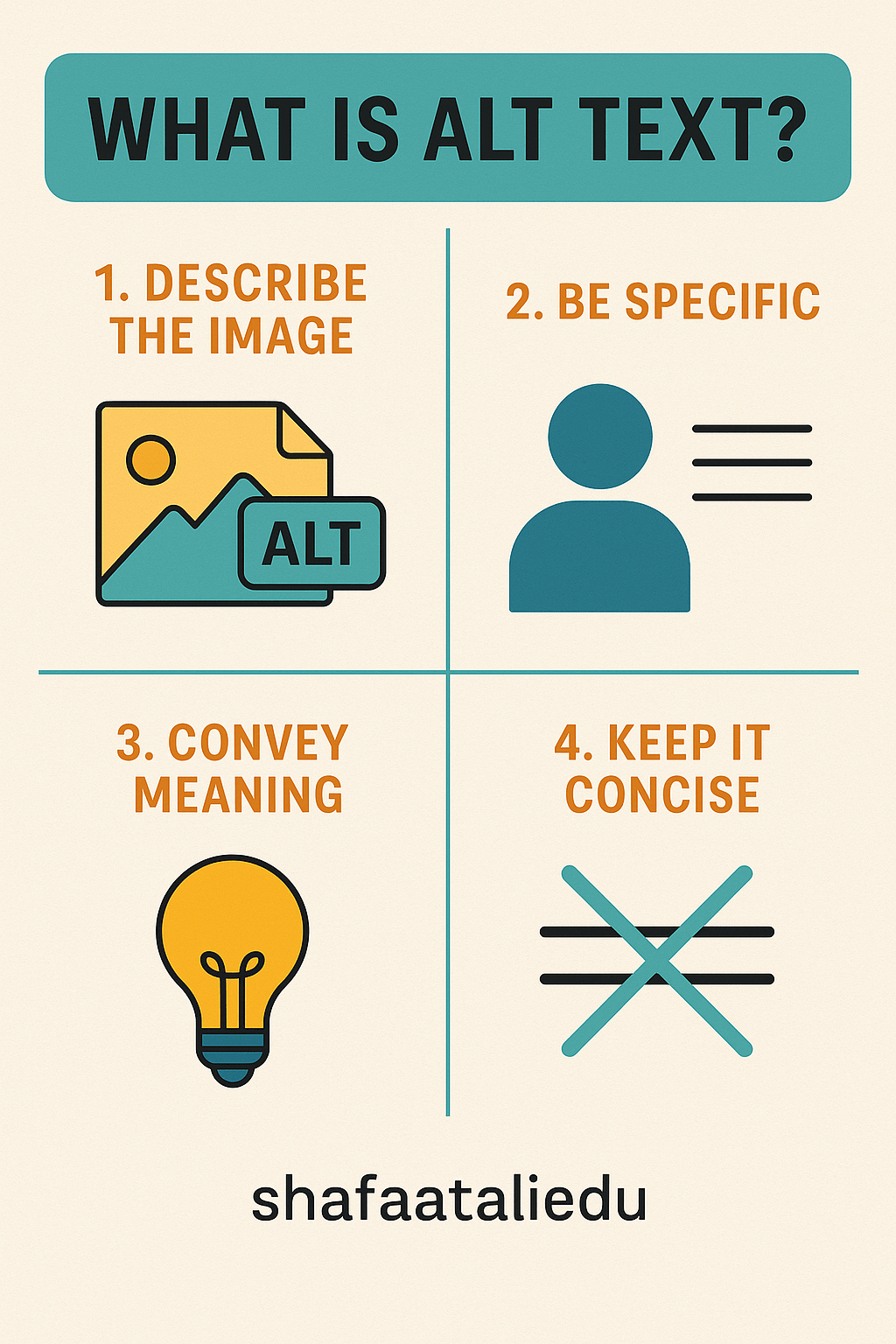
Alt text, short for alternative text, is a short description added to images on a website. Its main purpose is to help people who can’t see the image—either because they’re using a screen reader or the image didn’t load properly—understand what it shows.
Think of alt text like a caption you’d say over the phone to describe a photo to a friend. For example, if your image shows a dog playing in the snow, your alt text might be: “Golden retriever puppy running through snow in a park.” Clear and simple.
Alt text serves three key purposes:
- Accessibility – It helps visually impaired users understand image content using screen readers. This makes your website more inclusive.
- SEO – Search engines can’t “see” images, but they can read alt text. Descriptive alt text helps your images show up in Google Images, bringing more traffic to your site.
- Backup Description – If an image fails to load, the alt text is shown in its place, giving users context.
Here’s how to use it:
- Keep it short and descriptive (usually under 125 characters).
- Don’t say “image of” or “picture of”—just describe what it is.
- Use keywords naturally, but avoid keyword stuffing.
Bad alt text: “Image123.jpg”
Good alt text: “Two kids riding bikes on a sunny trail”
Whether you’re blogging, running an online store, or just sharing photos, writing great alt text helps your content reach everyone—and be found more easily online.

Leave a comment