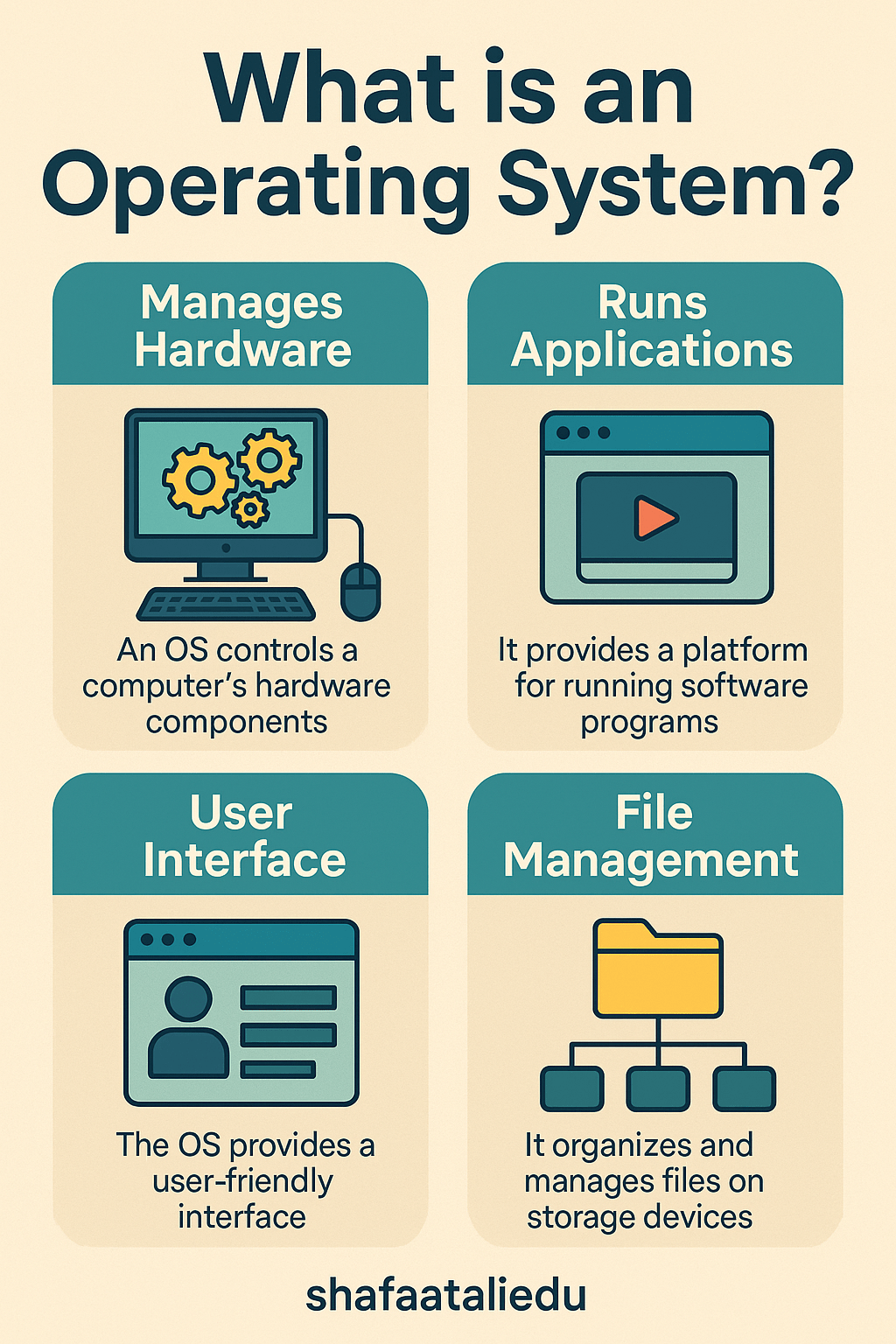
An operating system (OS) is like the manager of a busy restaurant. Just as a manager coordinates the kitchen, staff, and customer orders to keep things running smoothly, an OS manages all the parts of your computer—hardware, software, memory, and programs—so everything works together efficiently.
At its core, the operating system is the first thing that loads when you turn on your computer or smartphone. It acts as a bridge between you (the user) and the computer’s physical components (like the processor, memory, and storage). Without it, your device wouldn’t know how to run programs, open files, or even connect to Wi-Fi.
Let’s break it down with a simple example: Imagine you open a web browser to watch a video. The OS decides how much memory the browser gets, tells the processor to start working on your request, manages the video and sound drivers to display the video and play the sound, and makes sure other apps (like your email) can still run in the background without crashing.
There are different types of operating systems for different devices. For PCs, popular ones include Windows, macOS, and Linux. For smartphones, Android and iOS dominate. Even smart TVs, cars, and gaming consoles use specialized operating systems.
Operating systems also provide a user interface—what you see on your screen—so you can click icons, type, drag files, and open apps without needing to write any code.
In short, the operating system is the heart of your device. It quietly handles everything so you can focus on using your tech, not managing it.
Looking ahead, as technology evolves, operating systems will become even smarter—handling AI tasks, optimizing battery life, and making devices feel faster and more personalized than ever.


Leave a comment