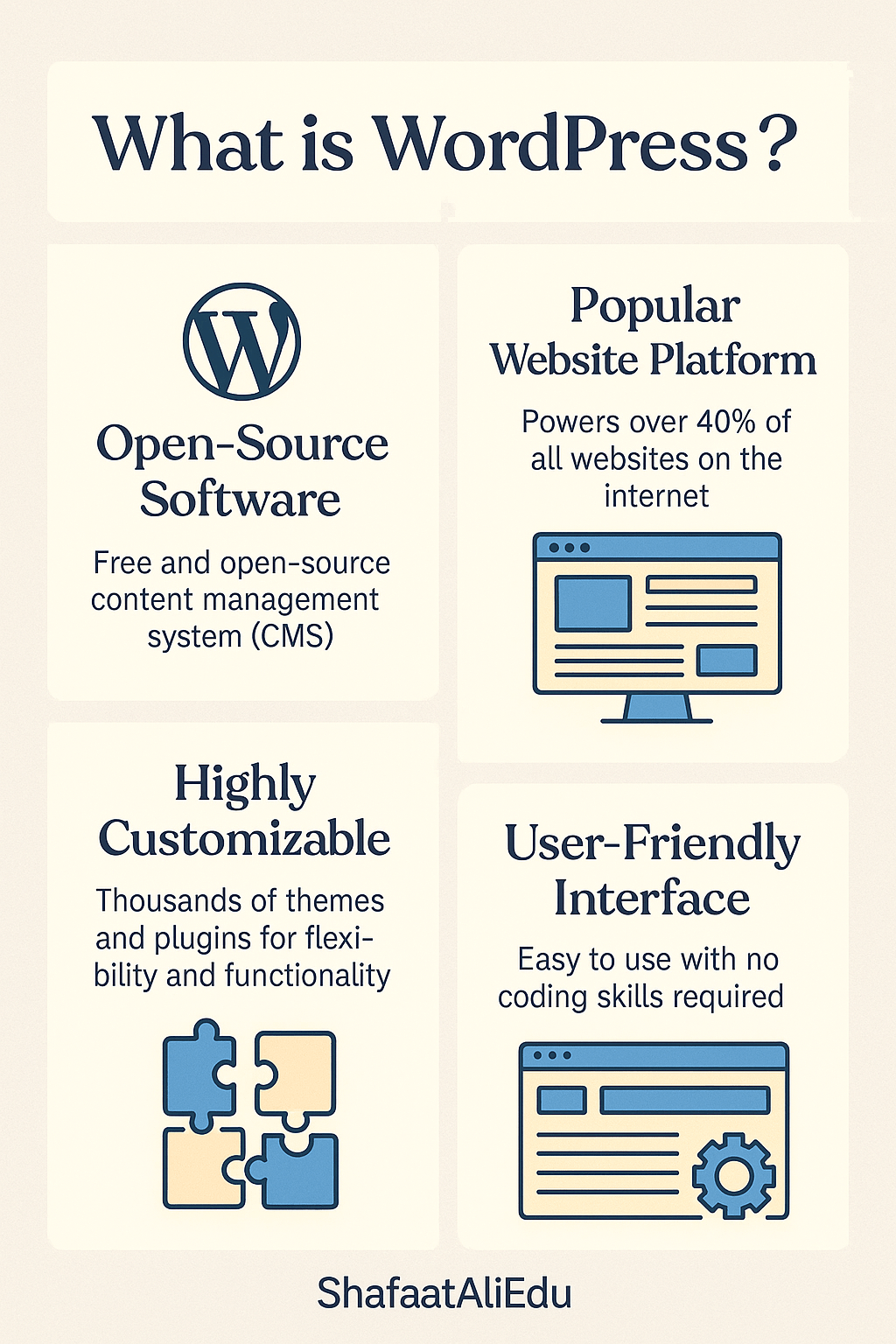
WordPress is a free, beginner-friendly platform that helps you build and manage websites without needing to code. Whether you’re starting a blog, launching a business site, or running an online store, WordPress gives you the tools to do it—all from a simple dashboard.
Think of WordPress like LEGO for websites. You start with a basic structure, then customize it using blocks (called themes and plugins) to fit your needs. Themes control how your site looks, and plugins add extra features—like contact forms, image sliders, or SEO tools.
There are actually two versions of WordPress:
- WordPress.com – A hosted version where everything (hosting, security, updates) is managed for you. Great for beginners.
- WordPress.org – A self-hosted version that gives you full control but requires your own web hosting and a bit more setup. Ideal for those who want flexibility.
Here’s how using WordPress typically works:
- Choose a theme for the design.
- Add pages (like “About” or “Contact”) and blog posts.
- Install plugins to add features (e.g., e-commerce, SEO, image galleries).
- Click “Publish”—and your site is live!
Over 40% of all websites on the internet are built with WordPress. It’s popular because it’s powerful, customizable, and constantly updated by a huge community.
If you’re looking to build a website that grows with you—whether you’re a student, artist, teacher, or entrepreneur—WordPress is a solid, future-proof choice. You don’t need to be tech-savvy to start, but it can grow into a powerful tool as you learn more.

Leave a comment