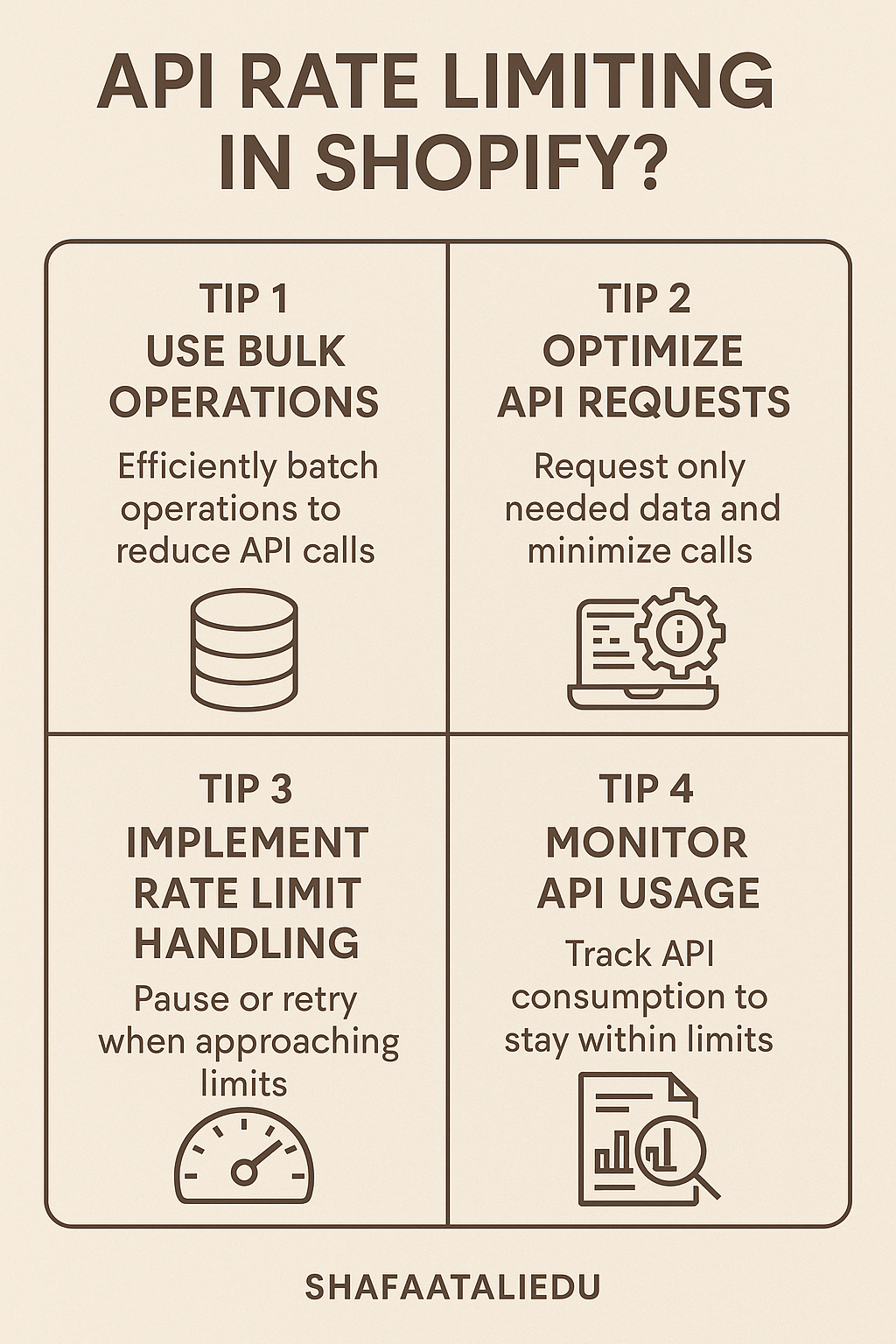
API rate limiting in Shopify is like crowd control at a busy store. Shopify sets limits on how many API requests your app or integration can send within a certain time. This prevents server overload, keeps the platform running smoothly, and ensures fairness for all users.
Imagine you’re calling customer service—if everyone dials at once, the line gets jammed. Similarly, Shopify limits how often your app can “call” its servers. These limits depend on the type of API you’re using.
For Admin APIs, Shopify uses a system called the leaky bucket algorithm. Think of it like filling a bucket drop by drop. The bucket (your app) can hold up to 40 “requests,” and it refills at a steady rate of 2 requests per second. So, if you send too many requests too fast, you’ll have to wait until the bucket has room again.
For Storefront APIs, Shopify uses a point-based system. Each query has a cost, and stores get a 1,000-point budget per minute. More complex queries cost more points. If you hit the limit, you must wait for your budget to refresh.
To stay within limits, you can:
- Batch requests smartly.
- Use webhooks instead of polling (which avoids constant checking).
- Add retries with delay in your code when you get a rate-limit error.
Shopify also provides response headers like X-Shopify-Shop-Api-Call-Limit to show how close you are to the limit. This helps you monitor and adjust in real-time.
Understanding rate limiting helps your app stay stable and compliant. As Shopify grows, smarter API usage will be key to building fast, reliable apps that scale.

Leave a comment