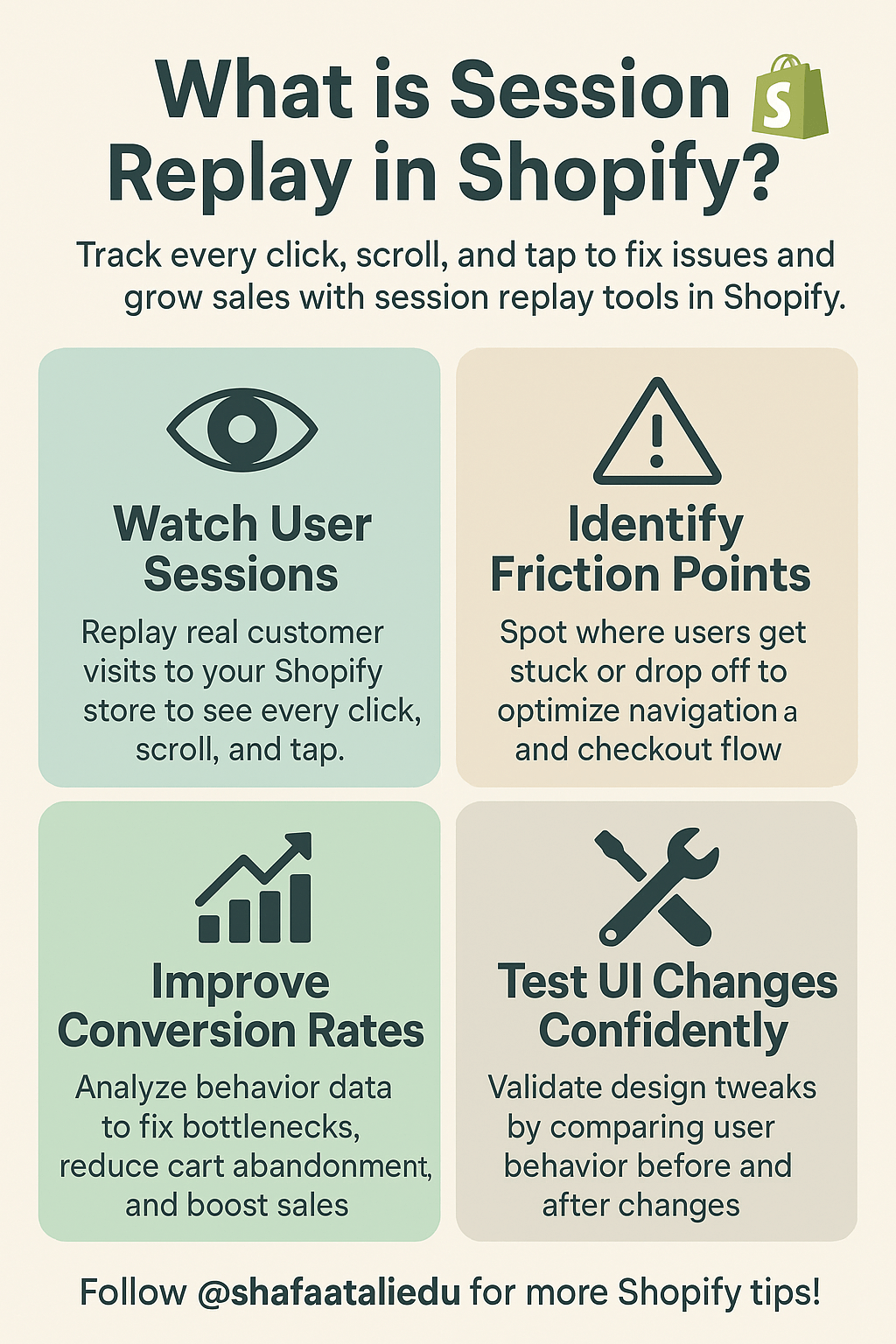
Session replay in Shopify is a tool that lets you watch exactly how visitors interact with your online store—like a screen recording of their shopping journey. You can see every click, scroll, tap, and hesitation as if you’re standing behind them, watching over their shoulder. It’s a game-changer for understanding how people actually use your store.
Here’s how it works: when someone visits your Shopify store, the session replay tool records their actions anonymously. That means you won’t know who they are, but you will see what they do. Did they get stuck trying to find a product? Did they abandon the cart on the payment screen? This insight helps you spot problems and fix them fast.
Imagine running a physical store. You’d quickly notice if customers walked in, picked up an item, looked confused, and walked out. Online, without session replay, you’re blind to that behavior. But with it, you can literally replay user sessions and figure out what’s working—or not.
Several apps offer session replay in Shopify, like Lucky Orange, Hotjar, and FullStory. Most are easy to install directly from the Shopify App Store. These tools typically include heatmaps (which show where people click the most), funnels (to see where people drop off), and live chat for real-time help.
For store owners, session replay isn’t just a fancy feature—it’s a practical tool to boost conversions. If you notice shoppers often get stuck on your checkout page, that’s a clear signal something needs fixing. Fix it, and you could see more completed sales.
As online competition grows, understanding your customers’ behavior becomes more valuable than ever. Session replay gives you that window—helping you design a smoother, smarter shopping experience.

Leave a comment