When Sarah, a new YouTuber, opened Adobe Premiere Pro for the first time, she felt lost. She had her clips ready, music picked out, and even a few transitions in mind. But the program kept asking her to create a “sequence.” Unsure of what it meant, she almost gave up. Later, she discovered that a sequence was simply the space where everything in her video would come together—and it changed how she approached editing forever.
Understanding Sequences in Video Editing
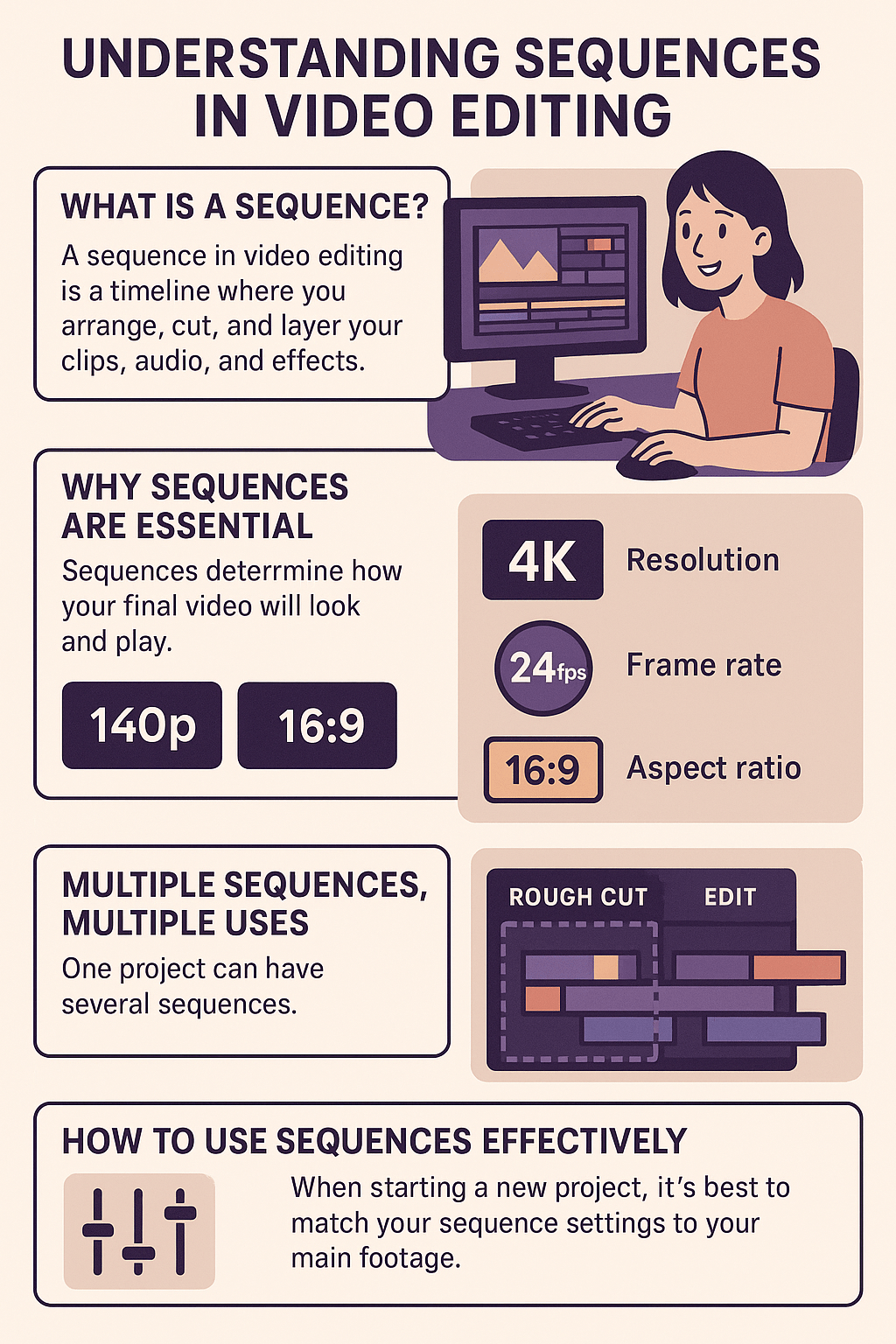
A sequence in video editing is a timeline where you arrange, cut, and layer your clips, audio, and effects. Think of it as a digital canvas: every shot, sound effect, and piece of music you use gets placed here. Without a sequence, your project would just be a pile of clips with no structure.
Why Sequences Are Essential
Sequences determine how your final video will look and play. When you create one, you choose settings such as:
- Resolution (1080p, 4K, etc.)
- Frame rate (24fps for a cinematic feel, 30fps for smooth motion)
- Aspect ratio (16:9 for YouTube, vertical for TikTok or Instagram Reels)
These settings define the technical foundation of your video. For example, editing a travel vlog in 4K ensures crisp detail, while a vertical 9:16 sequence makes content mobile-friendly.
Multiple Sequences, Multiple Uses
One project can have several sequences. Editors often create separate sequences for rough cuts, polished edits, or different versions of the same video. For instance, a wedding filmmaker might use one sequence for the highlight reel and another for the full ceremony. This flexibility helps keep projects organized and adaptable.
How to Use Sequences Effectively
When starting a new project, it’s best to match your sequence settings to your main footage. This ensures smooth playback and avoids unwanted cropping or distortion. If you’re experimenting, you can duplicate sequences to test effects without ruining your main edit. Over time, editors learn to treat sequences as “drafts,” refining their work step by step.
Essential Insights
Sequences are the backbone of video editing. They transform raw clips into structured stories, guiding both creative choices and technical quality. Whether you’re editing your first vlog or a professional film, mastering sequences will help you build videos that flow seamlessly and look polished.

Leave a comment