Imagine you’re rearranging sticky notes on your desk. As you lift one up to move it, it hovers slightly away from your fingers so you can still see where you’re placing it. In the digital world, this same idea applies when you’re dragging items on your screen—that’s where drag preview offset from cursor comes in.
Let’s break it down.
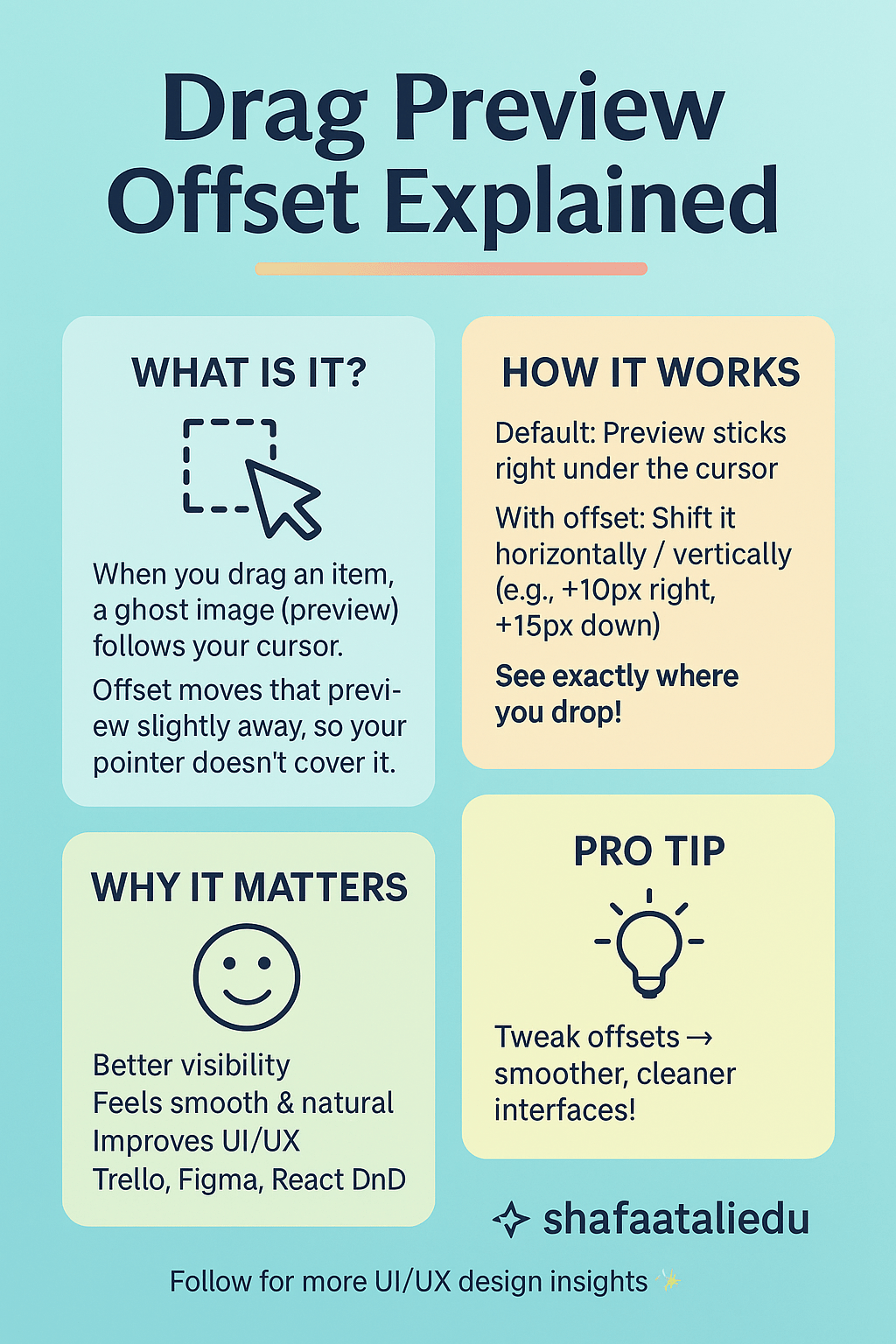
When you click and drag something (like a file, image, or card on a webpage), a drag preview—basically a ghost image of the item—follows your cursor. By default, it might be stuck right under the pointer. But that can get annoying, especially if the cursor covers part of the item you’re trying to drop it on.
This is where offset comes in. The drag preview offset lets you move that ghost image slightly away from the cursor, either horizontally, vertically, or both. It’s like telling the system, “Hey, show the preview 10 pixels to the right and 15 pixels below the mouse.” That way, you get a clear view of where you’re dropping the item.
Why does it matter?
Good UI/UX design. A smart offset improves visibility and makes dragging feel natural. For example, in drag-and-drop tools like Trello or Figma, adjusting the offset can make the interface feel smoother and less clunky.
In code terms, if you’re using something like the React DnD library, you might set the offset using a method like getDragPreviewOffset(). But don’t worry—this concept applies to many tools, not just one library.
So next time you drag something and notice the preview isn’t awkwardly glued to your cursor—thank the offset!
Curious tip: Experimenting with offsets can help you design cleaner, more user-friendly interfaces.

Leave a comment